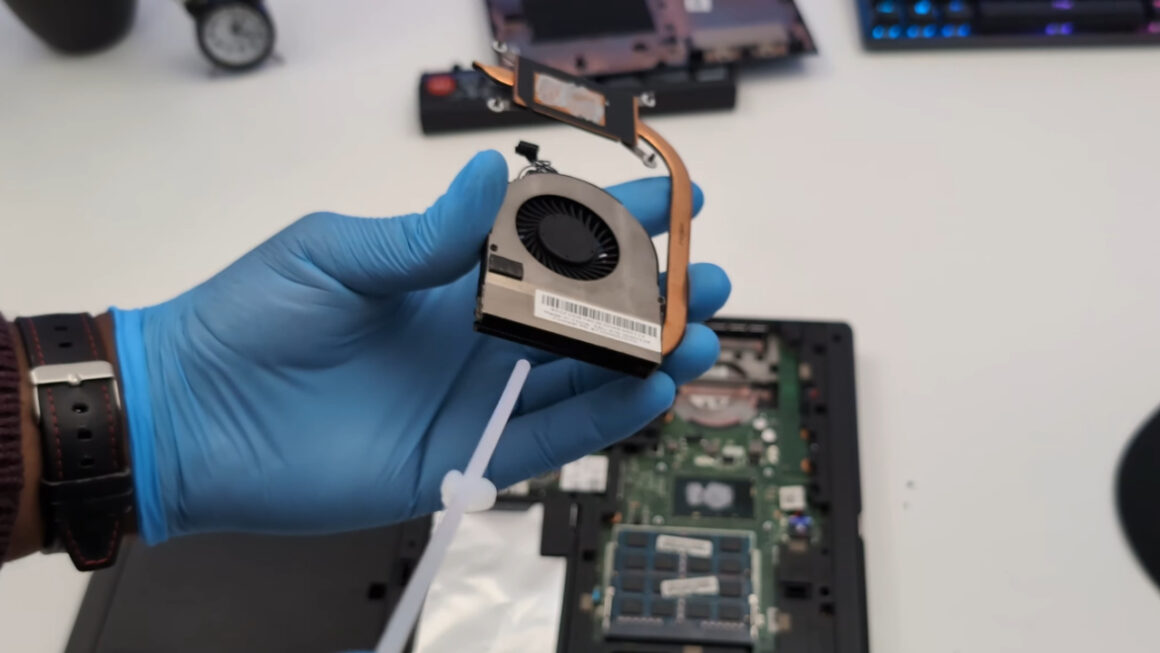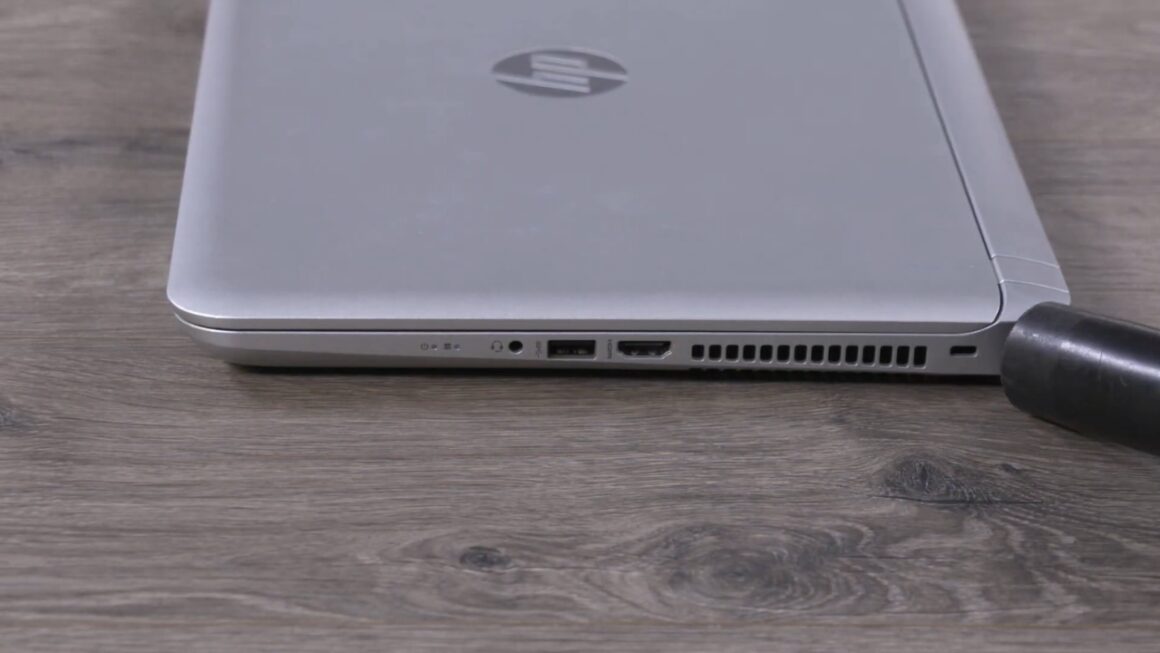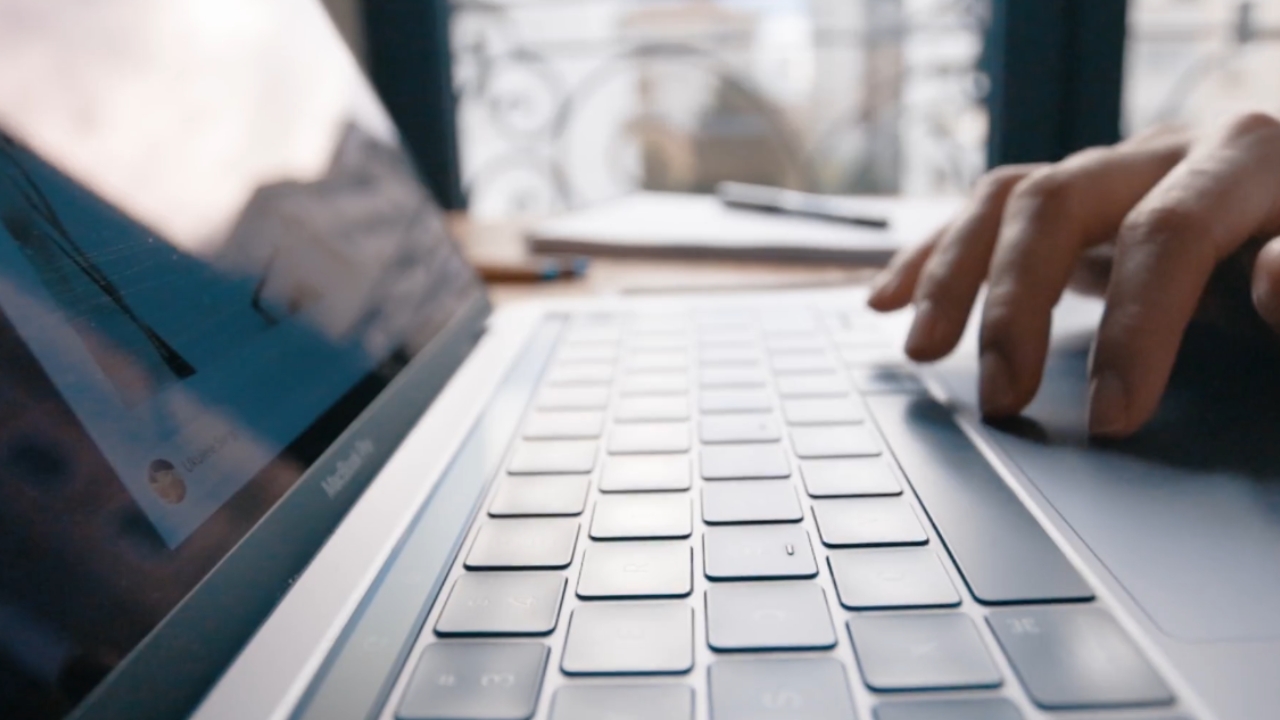
I noticed it while replacing an SSD in an older laptop on my desk. The inside was cleaner than the keyboard.
That is never a good sign.
Under the keys were crumbs, skin oil, dust, and some small mystery particles I chose not to investigate further. The laptop still worked fine, which felt slightly rude.
A keyboard can look normal from typing distance and still be a small archive of everything your hands touched that week.
The toilet seat comparison sounds dramatic, but the basic point is real enough to deserve a closer look.
The toilet seat comparison is not completely nonsense
The headline sounds like something designed to make you look at your keyboard with betrayal in your eyes.
Still, older tests did find some keyboards carrying more bacteria than toilet seats. A 2008 Which?
Computing test, reported by Reuters, looked at 33 office keyboards, a toilet seat, and a toilet door handle. Four keyboards were judged as potential health hazards. One tested five times dirtier than the toilet seat used for comparison.
That doesn’t mean every laptop keyboard is this dirty. It means keyboards can become surprisingly dirty when people type, eat, cough, share devices, and then forget the cleaning part for months.
Why laptop keyboards collect so much grime
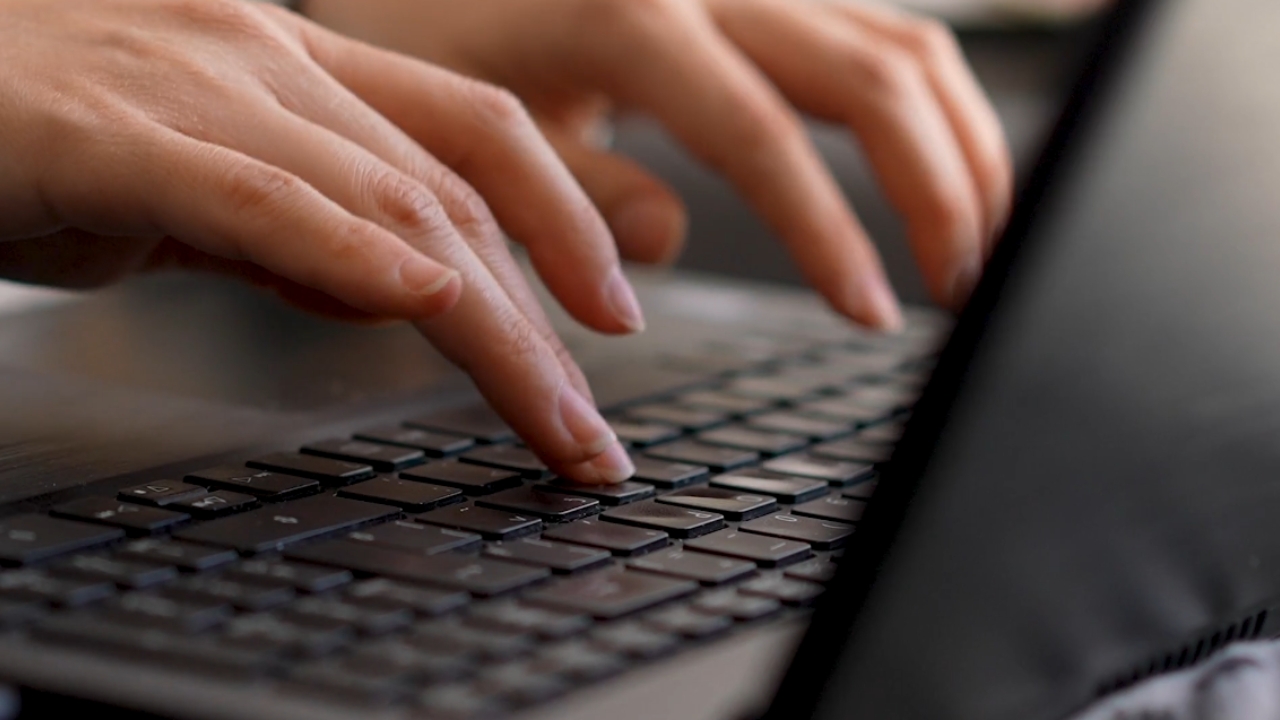
A laptop keyboard has one big disadvantage compared with a desktop keyboard. It is attached to the machine, so people carry it everywhere.
Kitchen table. Bed. Office desk. Coffee shop. Airport tray table, if fate has been unkind.
Every key gets skin oils, sweat, dead skin cells, and tiny bits of whatever you were eating while pretending you weren’t eating over the laptop.
I keep a microfiber cloth near my desk, and even I’ve found crumbs under keys after a week of “careful” use.
The gaps around keys are basically little parking spaces for debris. Unfortunately, crumbs don’t remain charming once they mix with warmth, moisture, and time.
What researchers have found on keyboards
One 2009 study looked at 70 commonly touched surfaces at a university. By the afternoon, 90% of the keyboards they tested had bacterial growth on them.
View this post on Instagram
That is the part that stuck with me. This idea that a keyboard can start the day looking harmless and end it carrying whatever passed through people’s hands.
Shared keyboards were the obvious problem. If one person uses a laptop, the grime mostly comes from one set of habits. If five people use the same keyboard, now you have five sets of hands, five lunch breaks, five levels of hand washing, and probably one person who treats the spacebar like a napkin.
Most of what ends up on a keyboard comes from us: skin, oils, hands, mouths, noses, and whatever we touch before typing. Lovely little ecosystem. I did warn you that dirty keyboards bother me.
The germs are only part of the problem
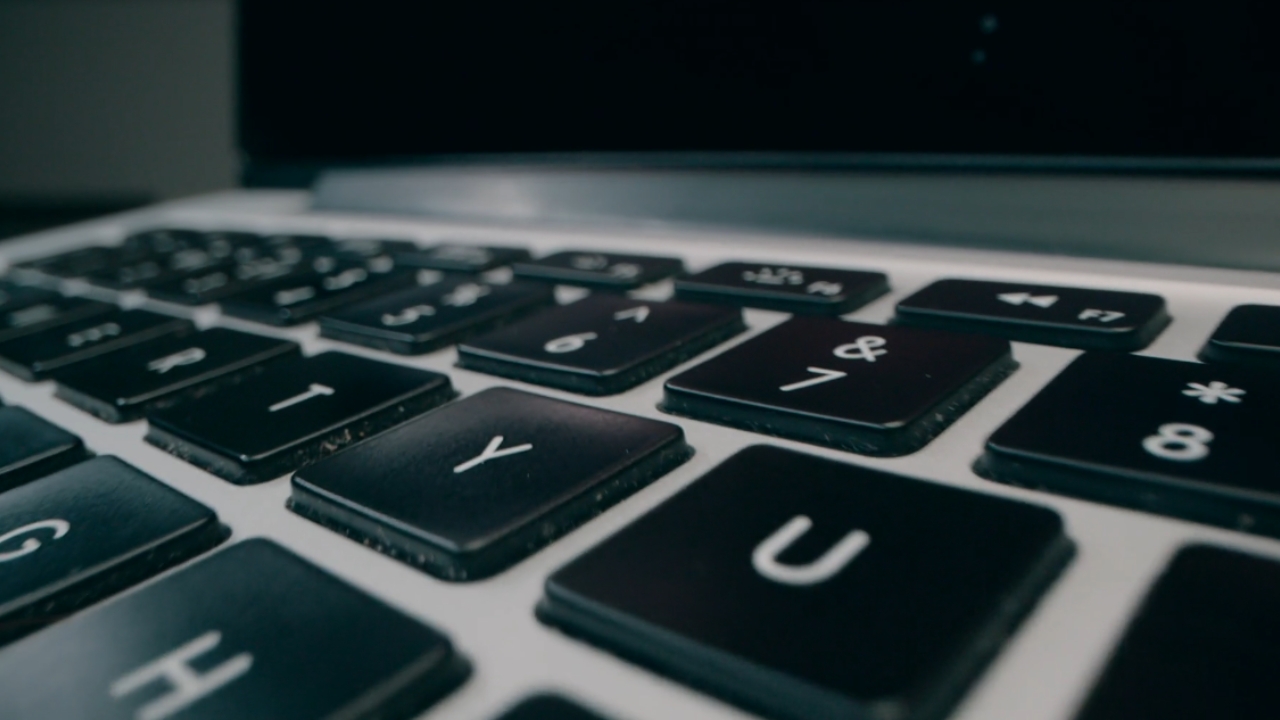
I care about the bacteria, but I also care about the hardware.
A dirty keyboard can make a laptop feel older than it is. Greasy keycaps become shiny. Dust can work down around the key mechanism.
A lifting trackpad deserves more attention because it can be an early sign of a swollen battery.
Crumbs can make keys feel uneven, crunchy, or slow to return. If you have a backlit keyboard, grime can dull the light around the letters.
Keyboards are among the parts that can fail before the end of a laptop’s useful life.
None of that means the laptop is ruined. It means the keyboard is a high-touch part that needs the same basic respect as the screen, vents, and charging port.
USB-C ports also deserve attention when dust or debris affects the connection. If the connector itself suffers physical damage, repair costs depend on the laptop’s design. The ThinkPad T14 Gen 7’s replaceable USB-C ports offer one example of a repair that no longer requires a new motherboard.
People clean their displays because fingerprints are visible. Keyboard grime gets away with more because it hides in plain sight.
Dust can also clog the internal fan. If your laptop has become unusually loud, learn how to clean a laptop fan safely before the airflow gets worse.
How to clean a laptop keyboard safely
@602kyleHow to clean your keyboar x♬ original sound – Kyle Martin | thebomb602
The first rule is boring because the best rules often are. Shut the laptop down and unplug it.
Apple’s cleaning guidance says to avoid direct sprays, keep moisture out of openings, and use a soft lint-free cloth.
Apple also says 70% isopropyl alcohol wipes can be used gently on hard, nonporous surfaces such as keyboards. Avoid bleach, hydrogen peroxide, and soaking.
This is for Apple devices, but the caution applies well beyond MacBooks.
Liquid inside a keyboard can turn a five-minute cleaning job into a repair estimate. Nobody needs that plot twist.
My own cleaning routine
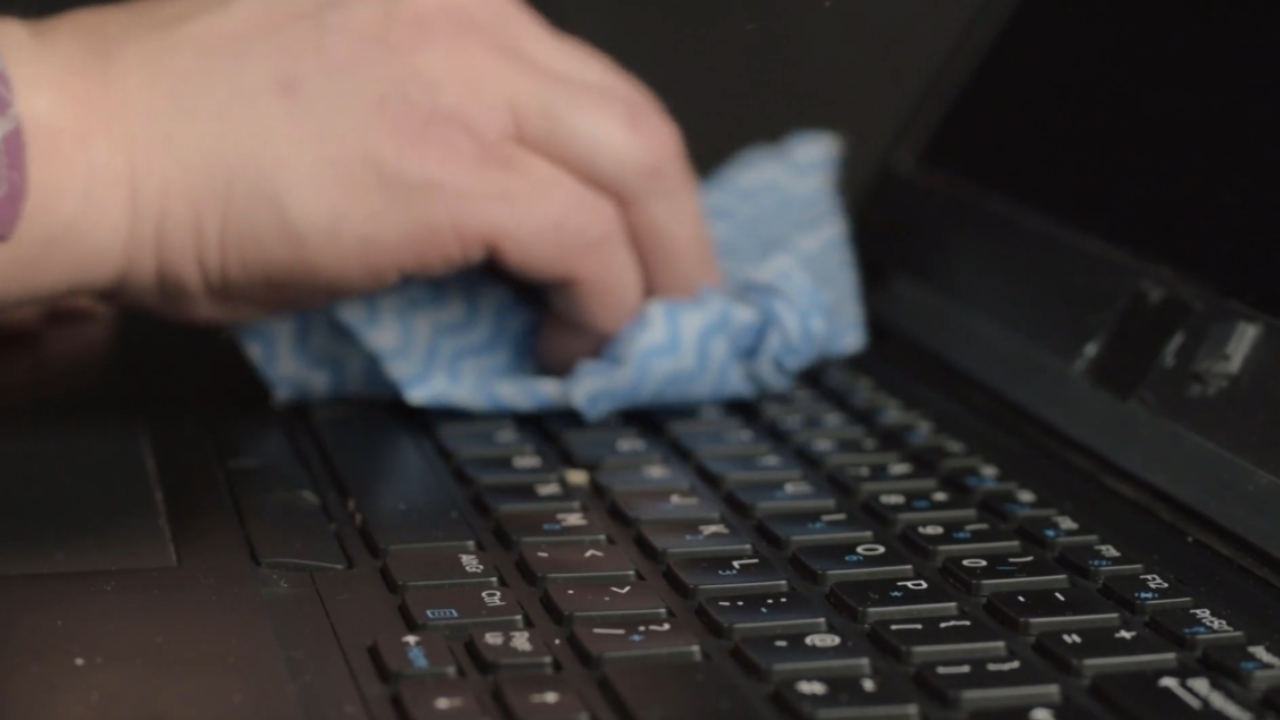
Here is the routine I use on my own laptops:
- I shut the machine down, unplug it, and hold it open at an angle so loose debris can fall away from the keyboard instead of deeper into it.
- I use short bursts of air, not a dramatic wind tunnel performance.
- Then I wipe the keycaps with a microfiber cloth that is lightly damp, never wet.
- For grimier keys, I use a cloth or swab barely moistened with 70% isopropyl alcohol. The cloth should feel like it could dry in seconds.
If it leaves visible liquid behind, it is too wet. Laptops and puddles have a poor working relationship. This is what you shouldn’t do:
- spray cleaner directly onto the keyboard.
- pour alcohol, water, or disinfectant between the keys.
- use bleach or harsh bathroom cleaners.
- remove laptop keys unless you know that model’s mechanism.
- close the lid until the keyboard is fully dry.
After the keys, I check the exhaust grille for dust. My guide on how to clean laptop vents covers the next step.
When disinfecting makes sense
Normal cleaning is enough most of the time.
The CDC says regular cleaning of high-touch surfaces helps prevent the spread of germs. For electronics such as keyboards, people should follow manufacturer instructions.
The CDC cleaning guidance also separates cleaning from disinfecting.
Sanitizing the keyboard is important to kill the germs that might be on it🦠 Here are some safe ways to keep your keyboard clean!
How have you been cleaning your keyboard?
#Lenovo #LenovoCare #TechTips #TechDosAndDonts https://t.co/qPieKWSJMa
— Lenovo India Support (@Lencare_In) February 18, 2021
Cleaning removes dirt and reduces germs. Disinfecting uses chemicals to kill remaining germs.
I disinfect my keyboard after being sick, after lending a laptop to someone, or after travel. Airport laptop use has a way of making me reach for wipes the moment I get home.
Call it experience. Call it self-defense with a microfiber cloth.
How often should you clean it
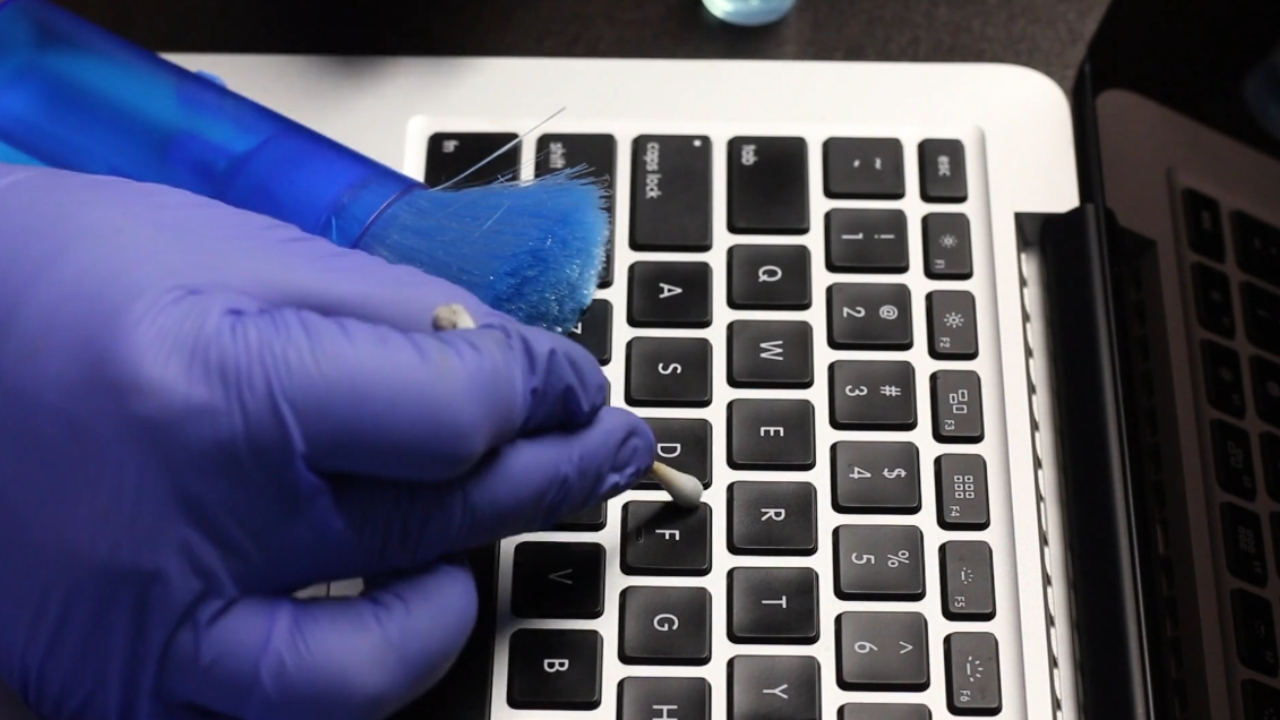
For a laptop you use every day, wipe the keyboard once a week. If you eat near it, share it, travel with it, or use it in a classroom or office, clean it more often.
A deeper clean once a month is a good habit, especially if the keys feel slick, dusty, or gritty.
Your keyboard doesn’t need to be sterile. It just shouldn’t collect months of oil, crumbs, dust, and shared-hand history while everyone pretends the keys are fine because they still type.
My rule is simple. If I’d be embarrassed to photograph the keyboard close up, it gets cleaned.