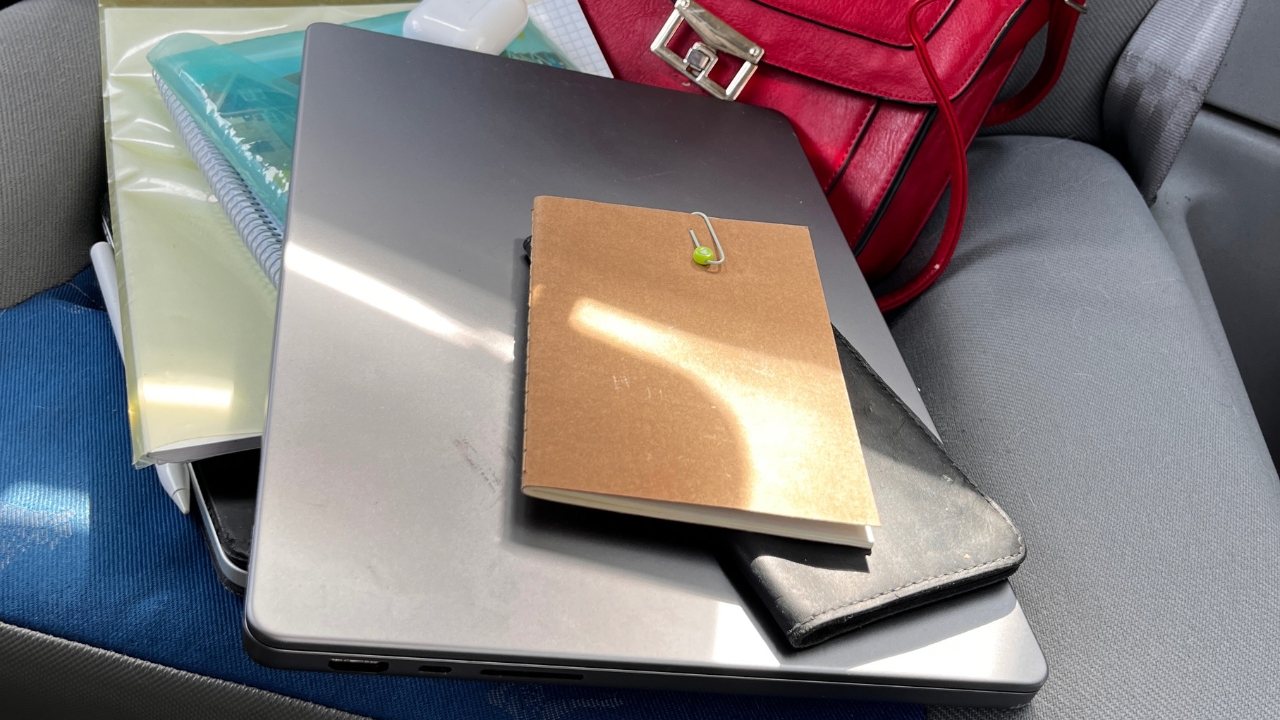
You park at noon, tuck the laptop bag behind the passenger seat, and come back four hours later. The steering wheel is too hot to hold, and the aluminum lid of your laptop feels like it has been sitting on a stove.
The laptop was switched off the whole time, so it should be fine. Probably.
A single hot afternoon rarely kills a healthy laptop outright. It can, however, permanently shave capacity off the battery, and in the wrong spot it can push the screen and internal adhesives past what they are rated to survive. Here is what the heat actually does, and where the real line sits.
How hot a parked car actually gets
The most useful numbers come from a 2018 study by Arizona State University and UC San Diego researchers. They parked identical cars in sun and shade on summer days in Tempe, Arizona, and took measurements after an hour.
After one hour
Parked in sun
Parked in shade
Cabin air
116°F (46°C)
About 100°F (38°C)
Dashboard
157°F (69°C)
118°F (48°C)
Steering wheel
127°F (53°C)
107°F (42°C)
Seats
123°F (51°C)
105°F(41°C)
Notice the gap between the air and the surfaces. Sunlight through the glass heats whatever it lands on, so a laptop on a seat or dashboard runs hotter than the cabin air suggests.
It also happens fast. In a National Weather Service test in Louisville, a closed van went from 34°C to 46°C in under half an hour. It’s a lot.
The temperature your laptop is actually rated for
Laptop makers publish two different temperature limits, and they are easy to confuse.
View this post on Instagram
Apple tells owners to use Mac laptops between 10°C and 35°C and says plainly not to leave them in a car. Its MacBook Air handling guide puts the storage ceiling at 45°C.
Other brands publish similar figures, so check the spec sheet for your model. A car in the sun passed that 45°C ceiling within an hour, and its seats and dashboard passed it by a wide margin.
What the heat does to the battery
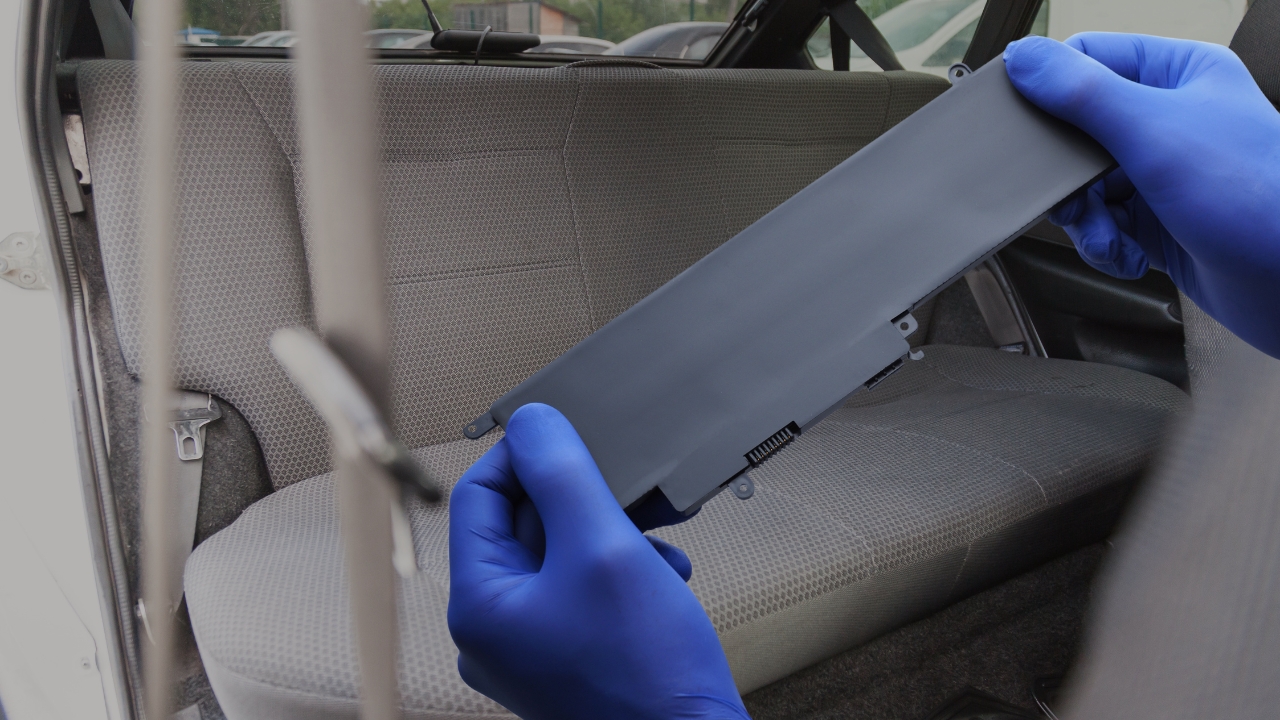
I would worry about the battery first, because its damage is permanent. Lithium-ion cells age even when unused.
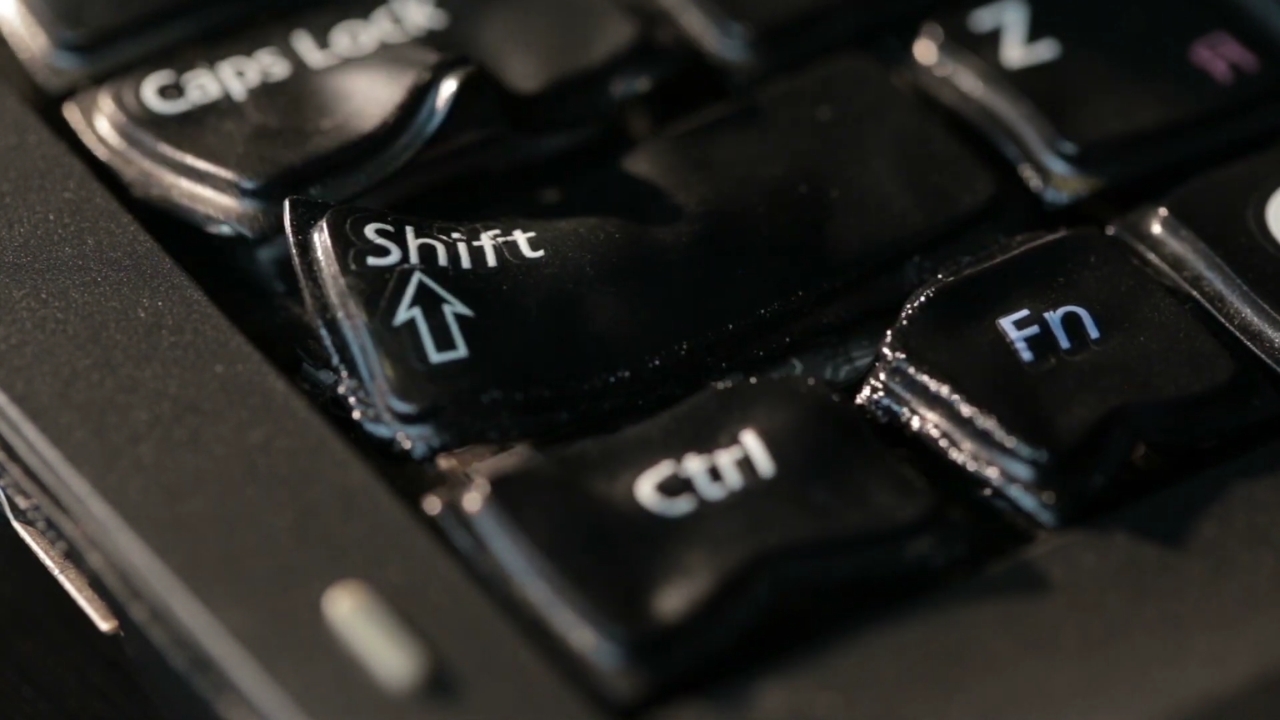
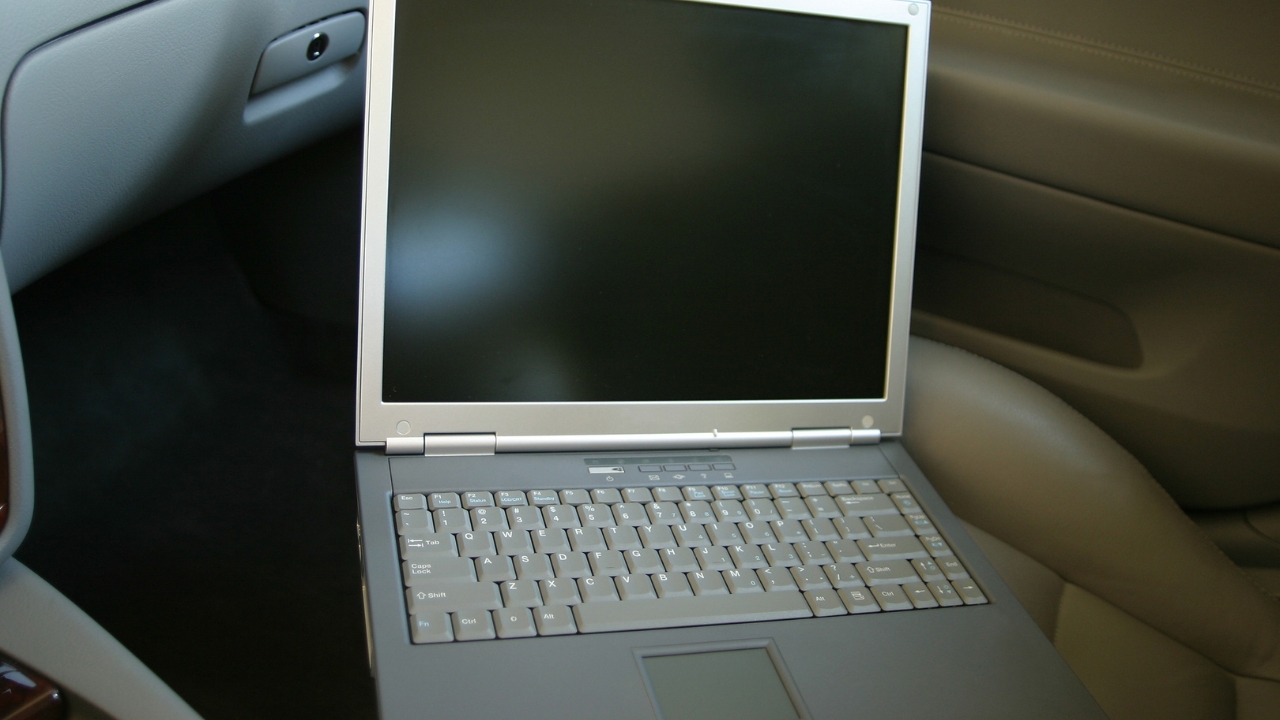
None of that capacity comes back when the laptop cools. A review of calendar-aging research gives a sense of scale. For one widely used chemistry, annual capacity loss rose from under 1% at 20°C to over 10% above 45°C. That is continuous storage. One hot afternoon costs a sliver, but a whole summer of them adds up. Heat damage is one of the reasons laptop batteries wear out before other components. All those scary warnings online need correcting. Nothing inside your laptop will melt in a parked car. The actual risks are less dramatic, but they can still leave permanent marks. Many LCD panels are rated for storage only up to about 60°C. The adhesives holding the screen layers, the battery, and the trim in place also soften as they warm. A laptop in direct sun on a seat or dashboard can reach that range. That is how people end up with discolored patches, uneven backlighting, or a lifting bezel. SSDs cope better. Heat speeds up the slow leak of charge that stores your data, but one afternoon will not wipe a drive. Did you know that the lead-free solder that holds chips to a laptop’s motherboard typically melts at around 217°C? A car cabin never gets anywhere close. There is an important difference between a laptop that is off and one that only looks off. Many Windows laptops use Modern Standby, which Microsoft describes as a smartphone-style sleep. The laptop stays connected to the network and wakes briefly for tasks such as updates. In a closed bag inside a hot car, the processor can then add its own heat to the heat soaking in from outside, with nowhere for any of it to go. My guide to Windows laptop sleep activity explains why a closed laptop can remain active and how to identify the cause. Sometimes there is no good alternative: a day trip, a gym without lockers, a hotel checkout hours before your flight. None of this makes a hot car safe. It buys time. Resist the urge to power it on straight away. Bring it inside, keep it switched off and off the charger, and let it return to room temperature on a hard surface with the lid open. Skip the fridge, since fast cooling can pull moisture out of the air inside the case. Charging a battery while it is still hot only adds to the damage. Then check the shape of the case. A trackpad sitting higher than before, a bottom panel that rocks on the desk, or a gap opening along the seams can all mean the battery has swollen. If you see any of that, stop using the laptop, do not charge it, and do not press on the bulge. Contact the manufacturer or a qualified repair shop, and never put a damaged lithium-ion battery in household trash. If you left your laptop in the car this afternoon and it booted normally once it cooled, you have probably lost a small, invisible slice of battery capacity and nothing more. That is the realistic outcome of a single mistake. The expensive outcome comes from repetition: a laptop that rides in a hot car every workday through July and August, often in standby, often charged to 100%. Note today’s battery health figure and check it again in a few weeks. If the number has dropped noticeably, the car is the first thing I would change, not the laptop.
The screen, the glue and the SSD
Sleep mode is the mistake most people make
If you really have to leave it in the car
What to do when you get back to a hot laptop

Frequently asked questions
Memorize this