My sister Megan spent most of 2023 charging her laptop with a jar of peanut butter. The jar sat on her kitchen table, pressed against the USB-C cable at the one angle where the worn port still made contact :).
Eventually the angle stopped working, and a repair shop quoted her a new motherboard for a socket smaller than a fingernail. She bought a different laptop instead.
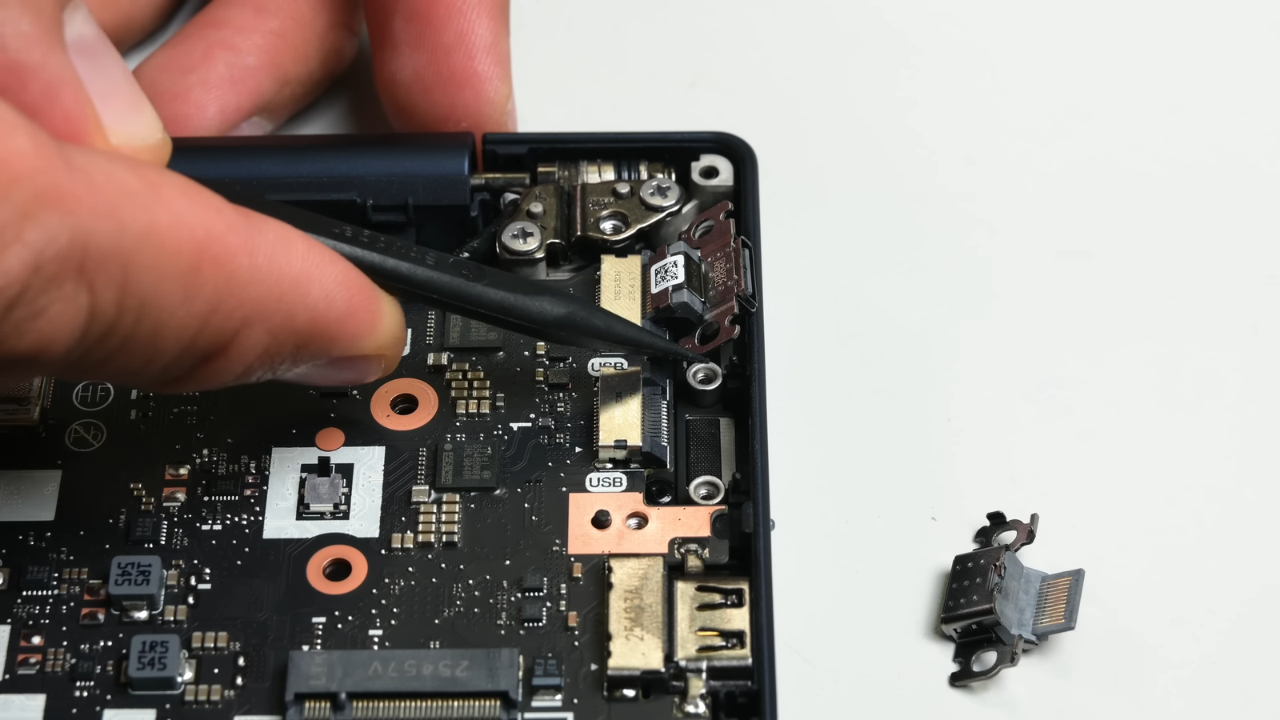
Lenovo just made that kind of ending less likely. The ThinkPad T14 Gen 7, announced on March 2, 2026, has two USB-C charging ports built as separate modules. A worn port now means a small part and a screwdriver, not a mainboard.
What Lenovo Changed on the T14 Gen 7
The ThinkPad T14 Gen 7 boasts the powerful performance, strength, and repairability you love in a T Series, now with an updated design, new @Intel vPro processors, and improved battery life.
— Lenovo (@Lenovo) March 2, 2026
Lenovo introduced the T14 Gen 7 and the larger T16 Gen 5 at Mobile World Congress in Barcelona. Its official launch announcement lists customer-replaceable USB-C ports among the service changes in the new T-series, with European sales starting in April 2026 at €1,399 for the T14 Gen 7.
More detail came from iFixit, which advised Lenovo during development and gave both laptops a provisional repairability score of 10 out of 10. Here is what the port change covers, and what it does not.
- The two USB-C ports, which handle charging, fast data, and display output, are separate modules you can replace one at a time.
- The USB-A ports, HDMI, and Ethernet jack remain on the mainboard or a small breakout board.
- iFixit will finalize the score once official parts and repair instructions appear on the Lenovo support site.
Why a Worn USB-C Port Usually Means a New Motherboard
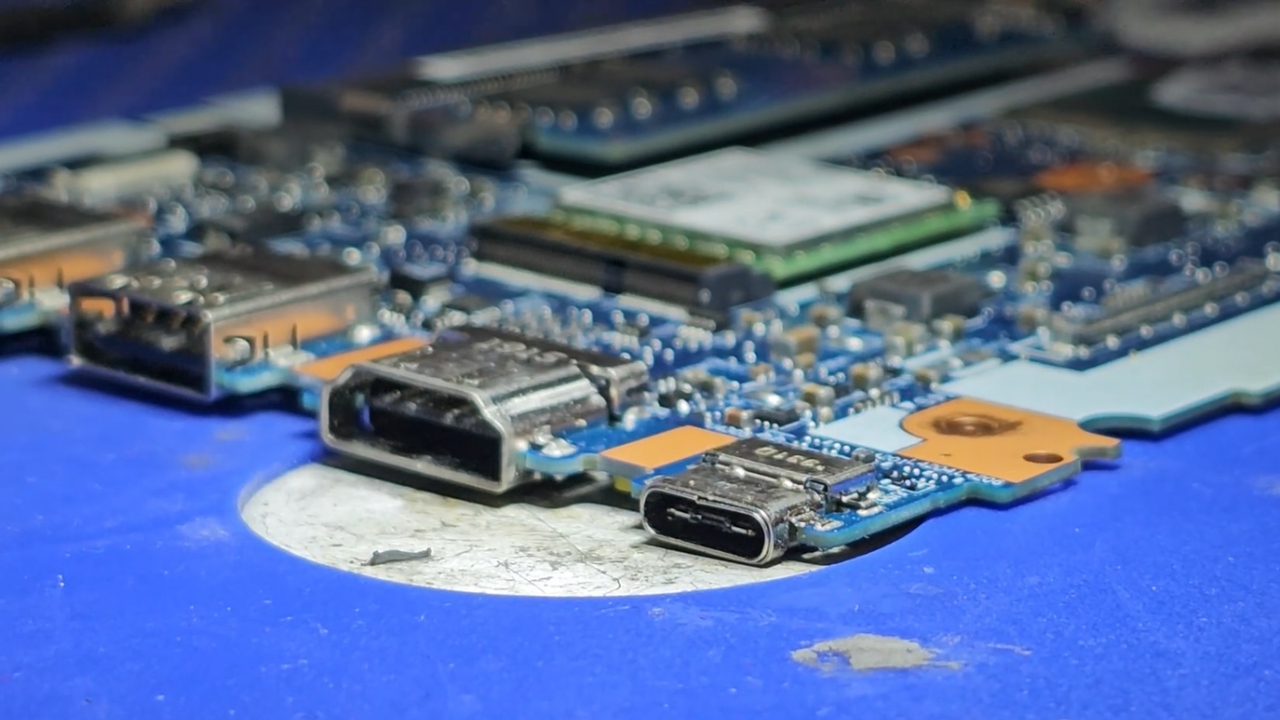
On most laptops, the USB-C receptacle is soldered directly to the mainboard. Its metal shell is usually anchored by a few small tabs, while the signal pins sit on tiny solder pads.
Every time a cable gets pulled sideways, the plug works like a lever against those joints. Over months, the solder cracks or the shell loosens, and charging turns intermittent.
The USB Type-C connector was designed for a durability rating of 10,000 insertion cycles when the specification was completed in 2014.
I ran the numbers on that rating. Plugging in twice every workday adds up to about 500 cycles a year, so the rating would last roughly 20 years. Five plugs a day still reaches the limit only after about eight years.
Straight insertions rarely kill a port. Sideways force does, from a cable bent over a couch arm or a laptop lifted while still plugged in.
What a Port Repair Looks Like Now
The shop quoted Megan $380 for a replacement mainboard on a laptop she had paid $550 for. I compared that kind of repair with the steps in the iFixit port replacement guide for the T14 Gen 7.
| Repair detail | Soldered port (most laptops) | T14 Gen 7 modular port |
| Part replaced | The port by microsoldering, or the whole mainboard | One USB-C module |
| Tools | Hot air station, flux, microscope | Phillips screwdriver, optional tweezers |
| Screws | Varies by model | 7 captive cover screws, 3 captive bracket screws |
| Battery | Disconnected or removed | Removed after releasing two latches |
| Who can do it | Board-level repair technician | A careful owner or IT department |
Microsoldering a new port is possible, but few general repair shops offer it, and heat from the rework can damage nearby components. Many shops quote a full mainboard instead, which on laptops with soldered memory also means paying for new RAM.
How the Swap Works, Step by Step
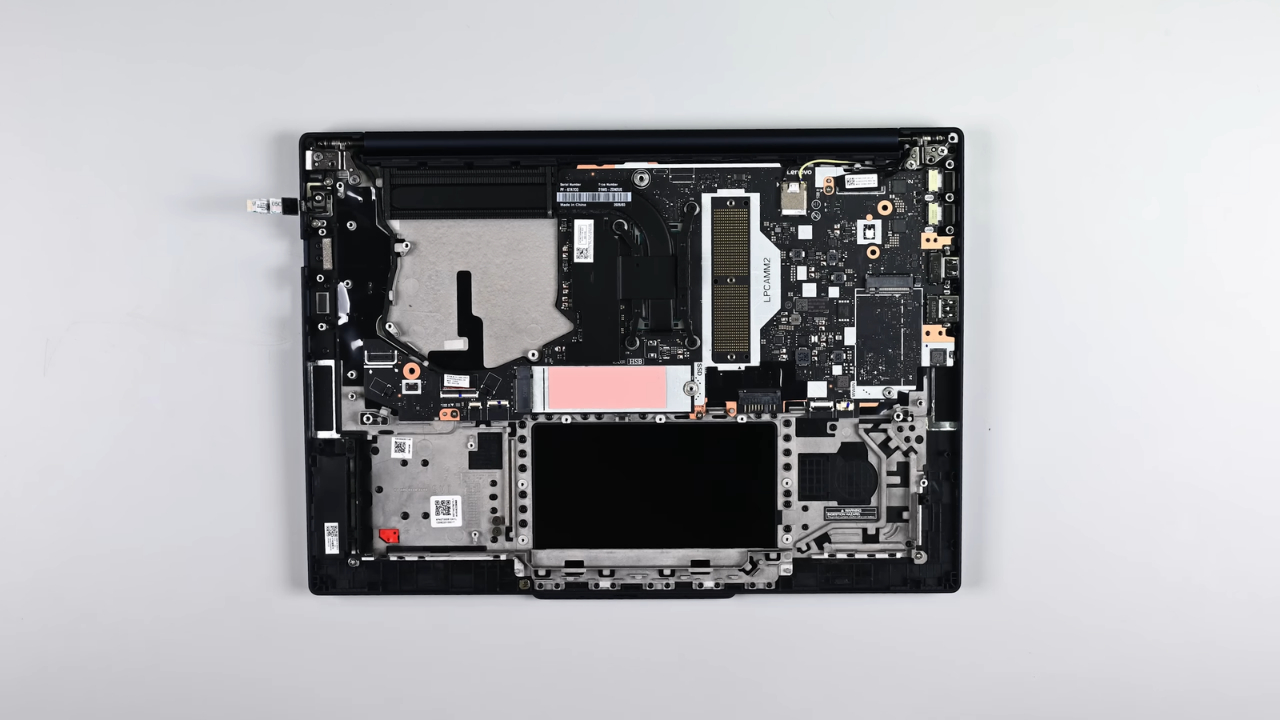
I have not had a T14 Gen 7 on my desk yet, so the steps below come from the iFixit guide rather than my own screwdriver. The order matches dozens of ThinkPads I have opened since high school.
- Discharge the battery below 25 percent, shut down fully, and unplug every cable.
- Loosen the seven captive screws and lift the base cover from the hinge edge.
- Squeeze the two battery connector latches, then lift the battery out.
- Loosen the three captive screws holding the port bracket.
- Lift the front edge of the port and slide the module out of its socket.
The battery step deserves respect. A charged lithium-ion battery nicked by a screwdriver can catch fire, which is why the guide asks for a low charge first.
If the battery looks puffy or the trackpad sits high, you should shut it down fully and unplug the charger.
Rule Out the Easy Causes Before Blaming the Port
Last spring, a friend from my climbing gym handed me a laptop that had stopped charging on one side. He carried it in a backpack pocket shared with trail mix.
A flashlight showed a packed layer of lint and almond dust at the back of the port. A wooden toothpick fixed it, and he now keeps the snacks in a different pocket. I run through the same checks every time.
- Try another cable and charger, the cheapest suspects to eliminate.
- Test the second USB-C port to separate a port fault from a charging circuit fault.
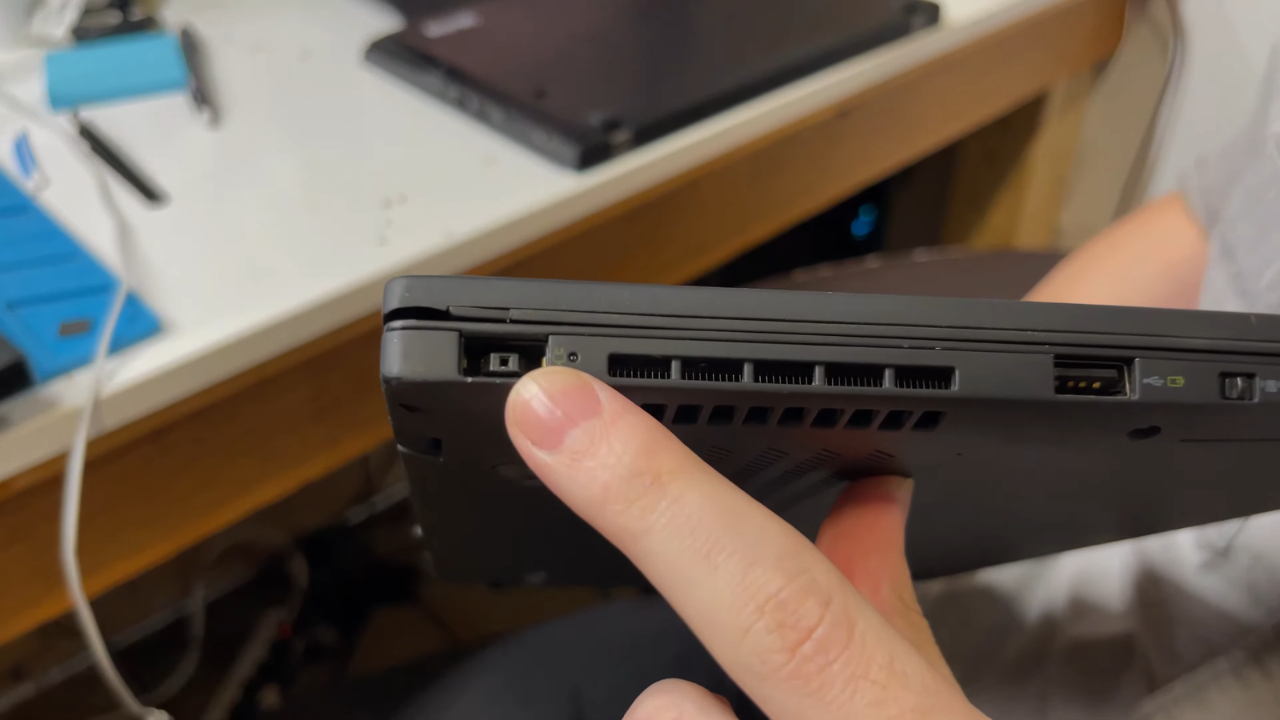
- Shut the laptop down and inspect the port with a flashlight, using only a wooden or plastic pick.
- Install pending updates. Lenovo once issued critical Thunderbolt firmware updates for older ThinkPads whose USB-C ports stopped charging after six to 12 months of use.
Only after those checks does replacing the module make sense.
What the Modular Ports Still Do Not Fix
A perfect score does not make the T14 Gen 7 fully modular, and iFixit says so. The USB-A, HDMI, and Ethernet ports stay fixed, the Wi-Fi module cannot practically be replaced, and display panel repairs still involve adhesive.
Lenovo has made repairs easier, but MNT Research takes a more open approach. The MNT Reform laptop gives owners access to original circuit diagrams, parts lists, and editable hardware designs.
iFixit also discloses a business relationship with Lenovo and sells ThinkPad parts. Keep that in mind when reading its praise.
Nor is the T14 Gen 7 the first ThinkPad with a swappable port. Lenovo published a self-service video for the ThinkPad P1 Gen 8 USB-C module in September 2025, though that workstation has only one modular port. The T14 Gen 7 brings the idea to a mainstream business laptop with both ports covered.
Did you know? Under EU common charger rules, the USB-C charging requirements extend to laptops from April 28, 2026. Most new laptops sold in the EU now charge through the kind of port Lenovo just made replaceable.
Who Benefits Most From a Replaceable Port
Anyone who keeps a laptop for four or five years should weigh port design alongside the processor. Charging ports and hinges are among the parts that usually wear out first, often somewhere between years three and six.
Used buyers gain as well. A three-year-old T14 Gen 7 with a tired port becomes a bargain rather than a gamble, and IT departments managing hundreds of laptops can keep machines in service instead of retiring them early.
My grandfather kept screws sorted in labeled coffee cans in his garage, and I inherited both the habit and his belief that a machine should be fixable. My own parts bins hold more old USB-C cables than any sensible person needs. Until recently, they never held a spare port, because there was no such thing to keep.
Check the Manual Before You Buy
View this post on Instagram
Megan still has the old laptop in a drawer, and the peanut butter jar was emptied long ago. With a modular port, her fix would have been a small part and a short evening at the kitchen table.
Before buying any laptop you plan to keep for years, open its hardware maintenance manual and find the USB-C port in the parts list. Lenovo has already posted the hardware maintenance manual for the T14 Gen 7.
If the port appears as its own part rather than as part of the system board, the most common failure on that laptop just became a repair you can afford.